How it works
How Mockivo works
You send your store link. We build your products in 3D and set up scenes in your brand’s style. After that one-time setup, you make photos, videos, ad creatives and configurator previews of your exact products in minutes, whenever you need them.
Before we start
What we need from you
Required
Your website URL
It’s enough to start: your products, photos, colors and logo are usually already there.
Optional · Each one makes the result more accurate and the setup faster.
Other links
Instagram, TikTok, Shopify or marketplace stores.
Fonts
The files your brand uses.
Brand guidelines
A PDF or a Markdown file. Working in Figma? We’ll tell you which export to send.
3D files
If you already have models of your products, send them in any format you have. We’ll tell you if we can use them.
Product videos
A slow turn of the product in good light shows us every angle. It’s one of the best inputs for an accurate model.
Product photos from several sides
Clear photos from the front, back and sides.
The setup, step by step
What happens after you send your link
- 01
We read your store.
We collect your products, photos, prices, colors, logo, fonts and tone from your site and socials.
- 02
We build your products in 3D.
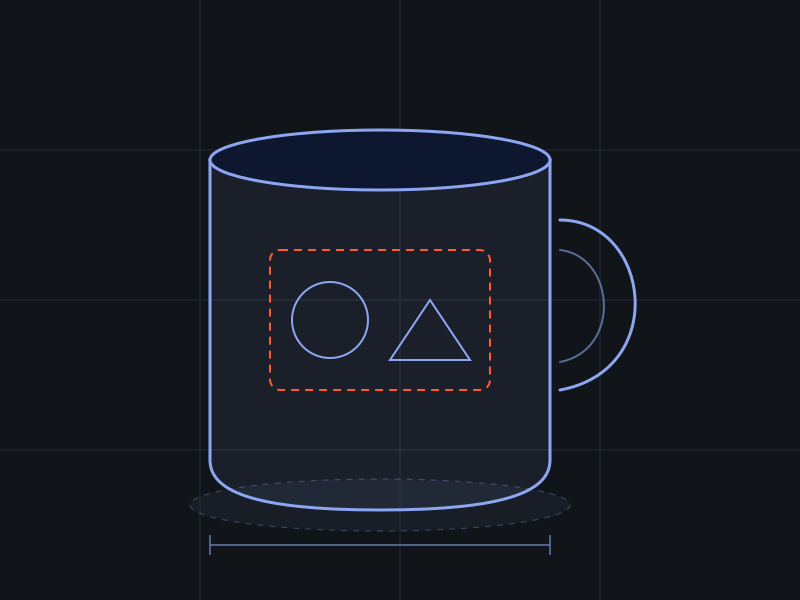
Template products (mugs, tumblers, boxes and similar shapes) come from calibrated templates: exact shape, exact print area. Other products are built from your photos, videos or 3D files, then cleaned up by hand. Each part gets its real material, so ceramic looks like ceramic and fabric drapes like fabric. Shoes and jewelry take longer; we may ask you for extra photos or a short video.
- 03
We design your scenes.
A starter set of scenes in your brand’s style: lighting, surfaces, props and mood that fit your products. You can ask for more later.
- 04
We ask you questions.
While we build, we check products, styles and brand details with you, so we don’t guess.
- 05
We check everything.
Our team reviews every 3D model and every scene before you see them.
- 06
You review.
One revision per 3D model is free. Further revisions are done by our team by hand and may cost extra.
- 07
You’re ready.
We message you on WhatsApp or by email. Log in and start making media.
After setup
What you can make
- 01
Instant 3D previews
Turn, zoom and restyle your products in your browser, with no waiting.
- 02
Photoreal photos
Packshots and lifestyle shots in your scenes.
- 03
Photoreal videos
Turntables, close-ups and camera moves. Magic mugs get the hot-water reveal.
- 04
Ad creatives
Layouts with your copy, in each platform’s sizes.
- 05
A 3D configurator for your product pages
With share links that carry each shopper’s design.
- 06
Template videos based on trending ad formats
Coming soon.
- 07
A cinematic catalog film (an extra)
One film of your whole catalog in a scene designed for your brand, cut into ads and a silent loop for your site’s hero.
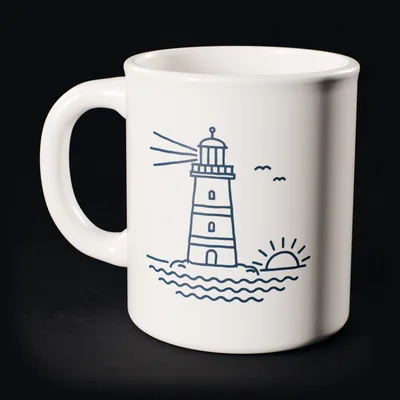
- 1:1 feed
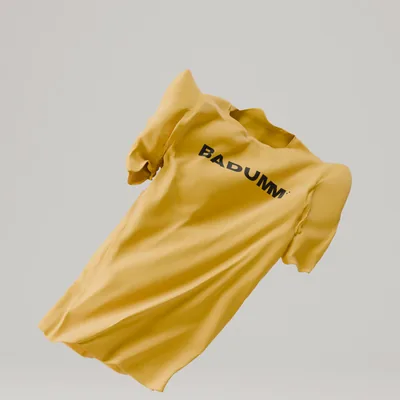
- 4:5 portrait
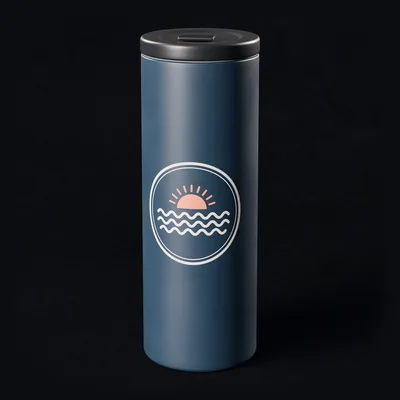
- 9:16 story
- 16:9 video
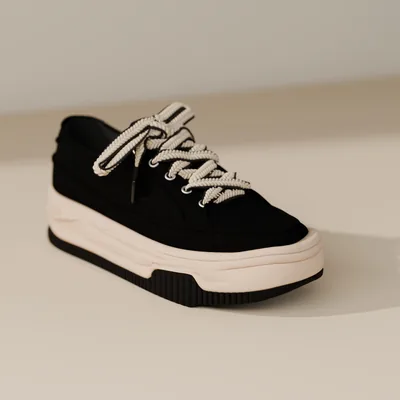
Three ways to render
How long things take. Instant 3D previews run live, in your browser. Setup, photoreal and new-product times are private-beta times today; we’ll publish them once we have real numbers, and they’ll get faster as we automate.
| Type | Where it runs | When to use it |
|---|---|---|
| Instant | In your browser | Exploring, previews, the configurator |
| Local photoreal | Your own computer, if it has a strong graphics card (you switch it on) | Quick photoreal checks at no server cost |
| Cloud photoreal | Our servers | Final photos and videos, paid with credits |
The deliverables page
Everything that isn’t instant, in one list
Some work can’t be instant: a new 3D model, a new scene, a photoreal video. Each request appears on your deliverables page with its status: queued, in progress or ready. You always know what’s coming and when it lands. Your AI agent reads the same list through the Mockivo MCP.
- New 3D model: tall mugQueued
- New scene: autumn breakfast tableIn progress
- Photoreal video, 8 s, 9:16Ready
Adding products later
Add a new product any time. It goes into the queue on your deliverables page. Products that fit our template library are quick. A new kind of product takes longer and is priced at our cost plus a margin.
Where we are today
During the private beta, our team runs every setup with AI agents and checks every result by hand. We write down what works, what fails and what it costs, so the next store is faster and our prices rest on real numbers. Self-serve sign-up comes later.
Try the live mug demo
This is the configurator that can sit on your product pages. Add a photo or text, change colors and turn the mug around.
Frequently asked questions
Do I need 3D or design skills?
No. We do the 3D work. In the studio you pick a product, a scene, a camera and a format.
Can you work from photos only?
Often, yes. Several clear photos from different sides work for many rigid products. For complex shapes we’ll ask for a short video or extra photos.
What if a model isn’t right?
Tell us what’s off. The first revision of each model is free. After that, our team fixes it by hand, which may cost extra.
Does it work with my store platform?
The configurator is built to sit on any product page. Tell us your platform in the waitlist survey so we prioritize the right integrations.
Bringing your store to life.
Ready to see your store in 3D?
Join the waitlist and tell us about your products. It takes about two minutes.
Private beta. Invites go out in waves.